Table of contents
- Which AI do we use?
- How we use AI models
- What this means for our clients
- Where people remain indispensable
- AI in web design: the most important trends in 2026
- A project day with AI
- Limits and risks
- What you should know as a client
- Four misconceptions about AI in web design
- Conclusion
- Frequently asked questions
“Is AI building the websites now?” We hear this question a lot. The short answer: no, but it has changed how we build websites. Since we integrated the most popular and best AI models into our development, our projects have become faster, technically cleaner and better tested. Here we show what that looks like in practice.
Which AI do we use?
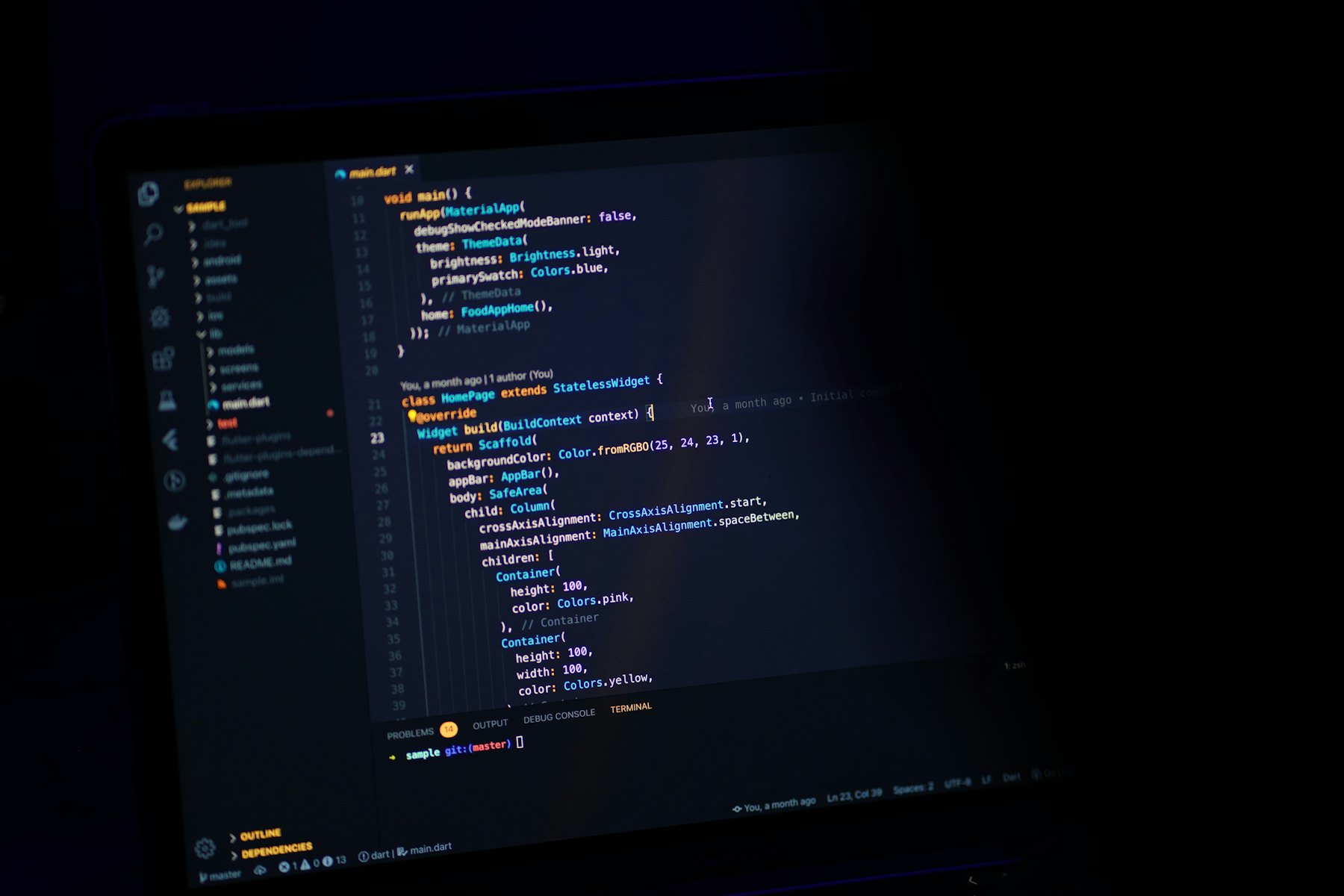
We work with the most popular and best AI models on the market and choose the right one for each task: one for code, one for copy, one for images or analysis. Modern AI tools work directly in the project: they read existing code, write new features, run tests, create screenshots at different screen sizes and fix bugs. For us it is like an additional, very fast developer on the team who never gets tired, but whose work is always reviewed by a person.
How we use AI models
1. From design to code
As soon as a design is ready, the AI turns it into clean, lean code, including responsive behaviour for smartphone, tablet and desktop. What used to take days is often ready in hours. We invest the time we gain in details: animations, copy, polish.
2. SEO and structured data
Page titles, meta descriptions, heading hierarchy, Schema.org data for organisation, services, FAQ and articles, sitemaps and redirects: with AI support we generate and check these consistently for every page. That helps on Google and in AI search.
3. Quality control
Broken links, missing alt texts, oversized images, poor contrast, layout errors on small screens: AI-assisted checks find such problems systematically before a website goes live.
4. Multilingual sites and complex layouts
For Mirage Media we built a trilingual website in English, French and Arabic, including a right-to-left layout for Arabic. With AI support this could be done much more efficiently and with fewer errors. The end result was a WordPress website with Elementor Pro that the team on site maintains itself.
Curious what AI can do for your website?
In the free consultation we show you how we work with AI, very concretely, using your project.
Free consultationWhat this means for our clients
- Shorter project times: your website is online sooner.
- Better technical quality: faster loading times, clean code, fewer errors.
- More budget for what matters: time we save on routine work goes into design, content and conversion.
- No dependency: in the end you have a completely normal WordPress website. You do not need AI to maintain it.
Where people remain indispensable
AI is a tool, not a substitute for experience. These things stay in human hands with us:
- Strategy & concept: what should the website achieve? For whom? With which message?
- Design & brand feel: whether a page comes across as high-quality, bold or trustworthy is decided by a designer.
- Copy with personality: AI delivers drafts, we give them your voice.
- Responsibility: every line of code and every text is reviewed before it goes live.
AI in web design: the most important trends in 2026
- AI-assisted development with the best AI models is becoming the standard at professional agencies.
- GEO (generative engine optimisation): websites are optimised for AI search, not just for Google. More on this in our article Local SEO & GEO.
- AI chatbots answer customer questions on the website and qualify enquiries.
- AI visuals and videos complement classic photos and shoots.
- Transparency: with the EU AI Act, the responsible and labelled use of AI content is becoming more important.
A project day with AI
What does that look like in concrete terms? A typical process with us:
- Briefing the tool: we describe what should be built, for example a portfolio page with filters, a lightbox and video previews.
- Implementation: the AI sets up the structure, writes HTML, CSS and JavaScript and embeds images in suitable sizes.
- Checking: automatic screenshots in desktop and mobile view immediately show whether the layout works. A check script looks for broken links, missing alt texts and duplicate page titles.
- Polish by us: spacing, typography, copy and animations are assessed and adjusted by our designers.
- Handover: the end result is a normal, maintainable website, with us usually WordPress with Elementor Pro.
The exciting part: many checks that used to be done only on a sample basis for lack of time now run for every page with every change.
Limits and risks
AI makes mistakes, sometimes very confidently. That is why our rule is: nothing goes live without review. Other limits we address openly:
- Facts: content, prices and legal statements must be checked by people.
- Taste: AI knows many patterns, but not your brand. Design needs human judgement.
- Data protection: confidential client data does not belong in AI tools unfiltered.
- Dependency: we make sure results remain maintainable without AI tools as well.
What you should know as a client
Ask your agency openly whether and how it uses AI. A good agency can explain what it uses AI for, how quality is ensured and how your data is handled. With us this is part of the first consultation, and on request we show you the process live.
Four misconceptions about AI in web design
“AI websites all look the same.” That applies to website builders that generate pages at the push of a button. With us a person sets the design, and the AI helps with implementation. The result is as individual as your brief.
“With AI, anyone can do it themselves now.” For simple pages that is partly true. But strategy, brand feel, conversion, legal compliance and clean technology still require experience. AI makes professionals faster, but it does not replace know-how.
“Google penalises AI content.” Google evaluates quality and usefulness, not the tool. Poor content ranks poorly, whether written by a person or a machine. That is why we check and revise all copy.
“AI is a security risk for my website.” Not if it is used correctly. The code is reviewed, tested and versioned like any other code. Access credentials and confidential data never belong in the input fields of AI tools.
Conclusion
AI makes good agencies better, not redundant. With the best AI models we develop websites faster, cleaner and with more attention to detail. But people still make the decisions about strategy, design and quality. You will find all the possibilities on our AI services page.
Frequently asked questions
Is a website developed with AI worse for SEO?
No. What matters is quality: fast loading times, a clean structure, helpful content. AI helps us implement exactly these points more consistently. Copy is always reviewed editorially.
Do I own the website if it was created with AI?
Yes. You receive a normal WordPress website with all access credentials. The tools used do not change that.
Does AI make web design cheaper?
Routine work becomes faster. We pass this advantage on in the form of fair fixed prices and more quality per euro.

Agency for web design, online shops & AI from Hanau